
Cara setting ESP32 sebagai slave Remote IO
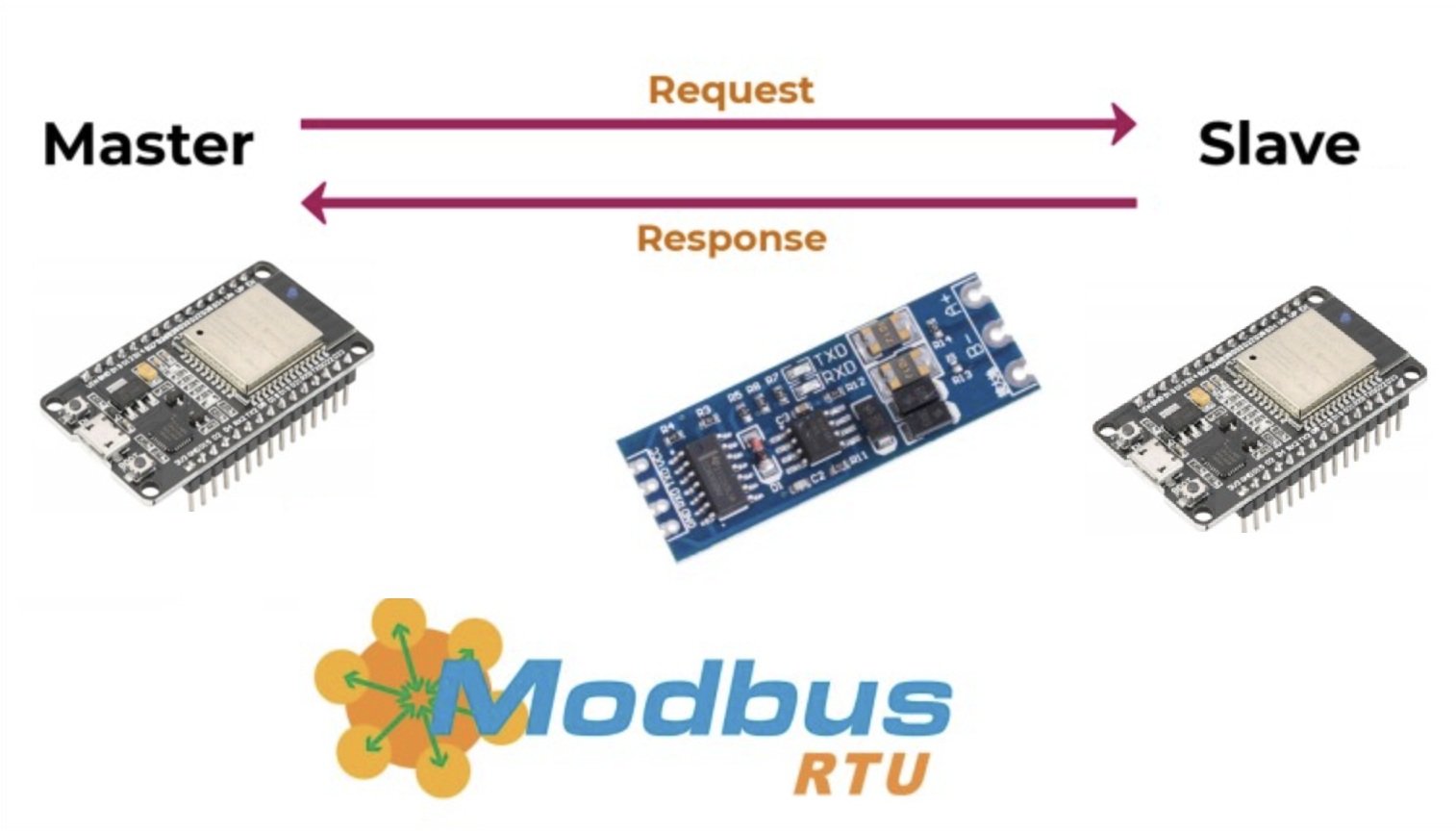
Step 1 Persiapan hardware
terminasi kabel sbb: ESP32 – TTL to RS485 – USB to RS485
Step 2 Persiapan Software
- Arduino IDE
- Modbus Poll
Step 3 Programming Arduino IDE
- Pilih board ESP32 dan COM serial yang aktif.
- Upload program.
TestStep 4 Testing menggunakan Modbus Poll
Kirim perintah ke Slave ESP32:
- Hubungkan A-B modul RS485 di ESP32 ke USB to RS485.
- Hubungkan USB to RS485 ke komputer.
- Sesuaikan settingan COM, baudrate,data bit,parity,stop bit, lalu konek.
-
Kirim perintah write coil dengan ID 10 dan address 1, pilih ON atau OFF.
 +-------------------+
 |    ESP32 + modul  |
 |    TTL to RS485   |
 +---------+---------+
           ^
           |
           |
 +---------+---------+
 |   USB to RS485    |
 |   A-A B-B         |
 +---------+---------+
           ^
           |
           |
 +---------+---------+
 |   Buka Modb Poll  |
 |   Koneksikan      |
 +---------+---------+
           ^
           |
           |
 +---------+---------+
 | Testing Modb Poll |
 |  Write Coil       |
 +-------------------+
Resource:
- Download program ino: tes_esp32_modbusSlave_2.ino
- Library modbus Arduino IDE
- Software Modbus Poll
- Video tutorial: YouTube Link
finish